
Seedance 2.0 Mini Prompt Guide
Write stronger prompts for faster, more controllable AI video on Seedance 2.0 Mini.
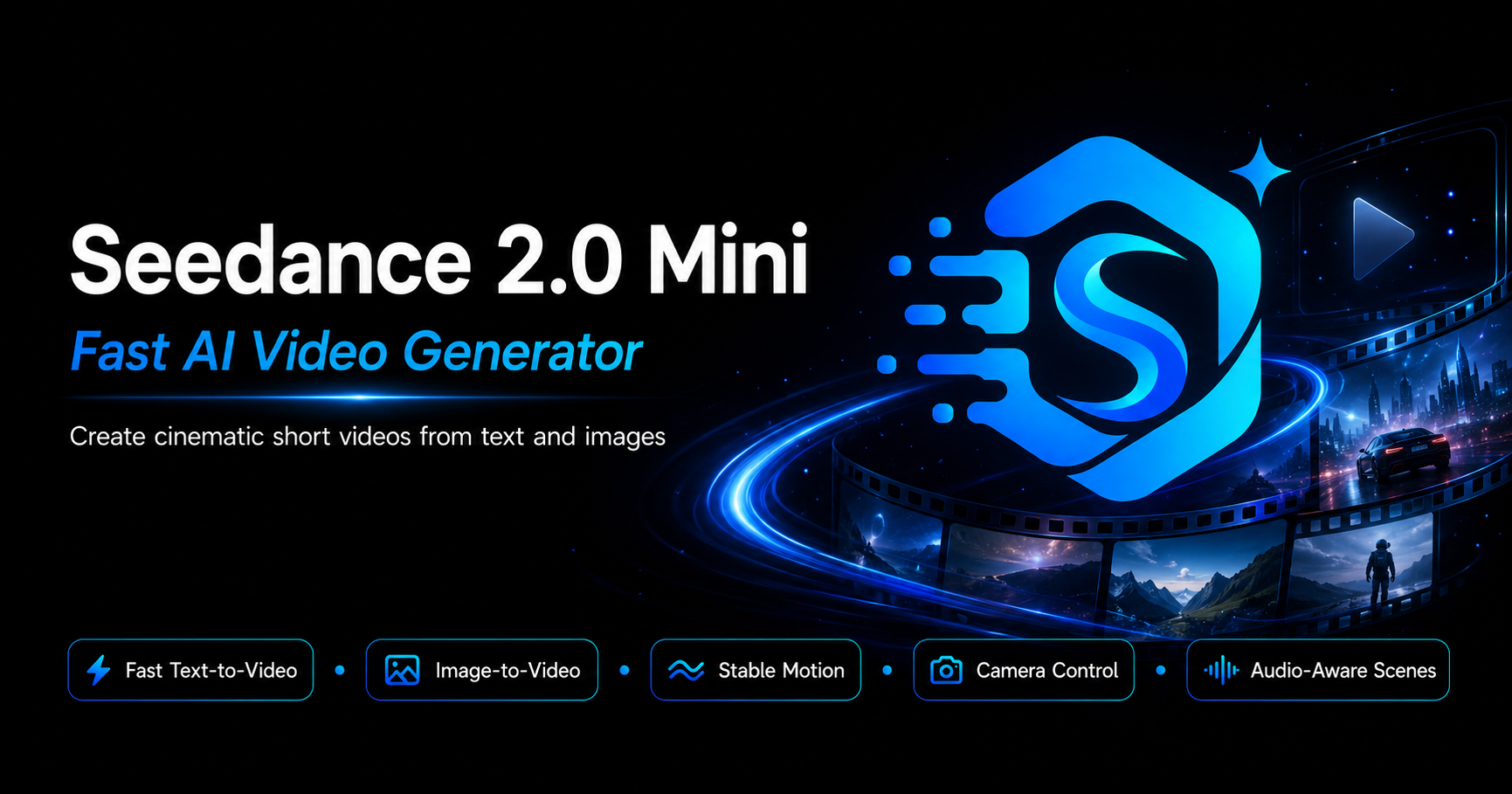
Seedance 2.0 Mini brings multimodal AI video generation into one streamlined workflow. Combine text prompts with images, videos, and audio references—then direct motion, camera, rhythm, and style like a filmmaker. New to the platform? Start from the Seedance 2.0 Mini homepage.
Seedance 2.0 Mini Quick Specs
| Parameter | Specification |
|---|---|
| Image inputs | Up to 9 images |
| Video inputs | Up to 3 videos, max 15s total |
| Audio inputs | Up to 3 MP3 files, max 15s total |
| Text input | Natural language prompts |
| Output duration | 4–15 seconds (user-selectable) |
| Audio output | Native sound effects and music |
| Total file limit | 12 files per generation |
Seedance 2.0 Mini supports up to 12 files per generation. Prioritize the references that most affect your shot—motion clips for camera work, images for character or product consistency.
How to Use References
Seedance 2.0 Mini uses an @ mention system to specify how each uploaded asset should be used—giving you explicit control over what every file contributes to the generation.
Entry Points
- First/Last Frame Mode: Use when you only need a starting image plus a prompt
- Universal Reference Mode: Use for multimodal combinations (images + videos + audio + text)
The @ Syntax
After uploading files, reference them in your prompt using @ followed by the file identifier:
@Image1 as the first frame, reference @Video1 for camera movement,
use @Audio1 for background music
Examples of Reference Instructions
| Use Case | Prompt Pattern |
|---|---|
| Set first frame | @Image1 as the first frame |
| Reference motion | Reference @Video1 for the fighting choreography |
| Copy camera work | Follow @Video1's camera movements and transitions |
| Add music/rhythm | Use @Audio1 for the background music |
| Extend a video | Extend @Video1 by 5 seconds |
| Replace character | Replace the woman in @Video1 with @Image1 |
Seedance 2.0 Mini Core Capabilities
Each module pairs a real Seedance 2.0 Mini output with a reverse-engineered prompt and bullet notes—use them as templates for your own generations.
1Enhanced Base Quality
This Seedance 2.0 Mini demo shows how the model handles everyday motion, fabric weight, and natural light without over-directing the shot.
- Fabric physics: Laundry moves, hangs, and settles with believable weight and wind response
- Continuous action: Pinning, reaching, and shaking out a garment read as one uninterrupted routine
- Golden-hour lighting: Backlight, lens flare, and warm tones stay stable across the clip
- Body mechanics: Arm reach, posture shifts, and head tilt feel natural rather than posed
Example prompt:
Cinematic medium shot at golden hour. A woman in a flowing red dress stands on a balcony, hanging white laundry on a line—pinning a shirt with clothespins, reaching into a wooden basket, and shaking out the next piece. Warm backlight, soft lens flare, European rooftops blurred in the background. Gentle breeze moves the fabric.
On Seedance 2.0 Mini, a single clear action chain is enough—the model carries fabric motion and lighting without extra camera jargon.
2Multimodal Reference System
Seedance 2.0 Mini blends a reference artwork with real-world props—the portrait stays recognizable while the scene around it behaves like live action.
- Character identity pulled from a reference image or painting
- Physical props placed in the same lighting space as the artwork
- Break-the-frame gags where the subject leaves the canvas
- Product or brand objects integrated into a stylized set
Example prompt:
Reference @Image1: the Mona Lisa in an ornate gold frame on a wooden table. She reaches out of the painting into the room, lifts a glass of iced cola, and takes a sip. Place a red soda can with Chinese label text beside the frame. Soft daylight from a window, photorealistic textures, playful advertisement tone.
In Seedance 2.0 Mini, name what the reference controls (face, costume, frame design) and what the text adds (action, props, lighting).
3Character and Object Consistency
Seedance 2.0 Mini keeps one illustrated heroine readable across a busy street—costume, hair, and ink style do not drift between frames.
- Style lock: Black-and-white ink rendering stays consistent from foreground to background
- Costume fidelity: Gown silhouette, neckline, and fabric folds match the reference look
- Face and hair: Profile, updo, and expression remain the same character throughout
- Scene coherence: Architecture, car design, and extras share one period setting
Example prompt:
Black-and-white ink-sketch animation. An elegant woman in a 1920s evening gown walks down a grand city street beside a vintage automobile. Ornate European buildings, men in top hats, high-contrast shadows, cinematic illustration style. Keep her face, hairstyle, and dress design consistent in every frame.
4Motion and Camera Replication
A Seedance 2.0 Mini market clip moves from a calm produce display to a slow-motion spill—useful for studying how the model stages stillness and sudden motion.
- Slow-motion fruit trajectories with readable parabolic arcs
- Wide street framing that establishes stalls, crates, and brick facades
- Human reaction beats timed to the chaos (stumble, reach, dodge)
- Overcast natural light that keeps color separation on oranges and apples
Example prompt:
Urban sidewalk fruit stand beside a red brick building—crates of oranges, apples, hanging bananas and grape clusters. Camera glides past the display, then apples and oranges burst upward in slow motion as a worker stumbles and fruit rains through the air. Cardboard boxes tumble. Cinematic wide angle, overcast daylight, realistic physics.
5Creative Template Replication
This Seedance 2.0 Mini hallway template uses an approach shot, then tactile close-ups on the lock—easy to reuse with different characters or locations.
- Corridor staging: centered back view down a narrow apartment hall
- Insert shots: macro detail on keys, lock cylinder, and brass handle
- Wardrobe texture: houndstooth coat and metal bracelet stay sharp in close-up
- Mood control: low-key indoor light that builds anticipation before entry
Example prompt:
Back view of a man in a grey houndstooth coat walking down a clean white apartment corridor toward a dark wooden door. Cut to close-up: one hand grips the gold lever while the other turns a key in the lock, silver chain bracelet visible. Moody indoor lighting, cinematic thriller pacing, shallow depth of field on the hardware.
6Video Extension
Seedance 2.0 Mini video extension keeps opera costume, spotlight, and sleeve motion continuous while preserving the same stage grammar.
- Performance motion: water-sleeve tosses and turns that can continue seamlessly
- Costume preservation: headdress, embroidery, and color blocks stay fixed
- Stage lighting: spotlight beam and lantern glow remain stable when extended
- Cultural staging: traditional architecture and floor reflections as continuity anchors
Example prompt:
Extend @Video1. A Peking Opera performer in an ornate phoenix headdress and red-gold robe continues her water-sleeve dance—white silk sleeves arc overhead and sweep through a dramatic spotlight. Traditional wooden stage, lantern glow, reflective floor circles, no cut, same costume and makeup throughout.
7Video Editing
Seedance 2.0 Mini video editing can jump from abstract golden fabric to a beach narrative—describe a hard scene change while keeping the color mood.
- Texture swap: Macro silk ripples dissolve into an open landscape
- Palette carryover: Warm gold tones bridge the abstract and outdoor scenes
- Scale shift: From extreme close-up to wide environmental shot
- Narrative pivot: Anonymous fabric becomes a walking figure on the shore
Example prompt:
Begin with a macro close-up of rippling golden silk fabric, shallow depth of field and soft bokeh. Transition to a wide beach at golden hour—a woman in a white dress walks away barefoot, leaving footprints in wet sand while turquoise waves roll in. Warm sunlight, gentle wind, cinematic color grade throughout.
8Audio-Synchronized Generation
Seedance 2.0 Mini audio-synced clips pair sound with light—prompts should call out both what we hear and how the beam moves through the scene.
- Footsteps and leaf crunch synced to forward movement
- Flashlight beam sweeps that follow pauses and turns
- Distant rustle and silence beats for suspense pacing
- High-contrast night exposure with readable tree texture in the beam
Example prompt:
First-person handheld POV walking through a pitch-black forest at night. A flashlight beam sweeps across tree trunks and underbrush. Footsteps crunch on dry leaves, occasional pauses, faint distant rustling. Slow, tense pacing, horror-thriller mood, high contrast, natural foley.
9Beat-Synced Editing
Seedance 2.0 Mini beat-synced cuts land on engine revs—each wheel spin throws dust on the beat, ideal for short commercial montages.
- Low-angle wheel spins timed to engine revs
- Dust bursts that accent downbeats
- Mechanical detail: tire tread, swingarm, and exhaust in sharp focus
- High-energy commercial pacing on dry terrain
Example prompt:
Low-angle close-up of a motorcycle rear wheel spinning on dry dirt. Each throttle hit throws a burst of dust into sunlight—cuts land on the beats of the engine revs. Sharp mechanical detail on tread and suspension, high contrast, adrenaline-fueled commercial rhythm.
10One-Take Continuity
Seedance 2.0 Mini one-take mode holds a continuous move—from bouquet detail to street context—without a visible cut.
- Handheld drift across clustered bouquets and color blocks
- Shallow focus following a hand lifting sunflowers
- Urban sidewalk, brick wall, and pedestrians staying in one timeline
- Warm daylight and gentle motion blur between foreground and background
Example prompt:
One unbroken handheld shot at a sidewalk flower stand. Start on pink roses and purple blooms, follow a hand lifting a sunflower bouquet from a bucket, then drift across yellow sunflowers, grey pavement, and a red brick wall. Warm daylight, shallow depth of field, no cuts.
Creative Applications
Advertising and E-commerce
On Seedance 2.0 Mini, reuse the Mona Lisa cola demo or motorcycle dust-beat clip—swap in your product, logo, and pack shot while keeping the same camera rhythm.
Content Localization
Reference a performance clip in Seedance 2.0 Mini for motion, then regenerate dialogue or narration in another language with matched lip-sync.
Storyboarding to Video
Upload ink-sketch boards to Seedance 2.0 Mini, then describe how the character moves between panels to animate the sequence.
Template-Based Creation
Reuse Seedance 2.0 Mini hallway suspense or beach golden-hour templates—keep the shot grammar from the reference and replace characters or locations.
Best Practices
- Be explicit about references: Write clearly which file is for what purpose. "Reference @Video1's camera movement" is better than just mentioning the video.
- Prioritize your uploads: With a 12-file limit, choose assets that have the greatest impact on your output.
- Check your @ mentions: With multiple files, double-check that you haven't confused which image, video, or audio goes where.
- Specify edit vs. reference: Make clear whether you want to edit an existing video or use it as a reference for generating something new.
- Duration alignment: When extending video, set your generation duration to match the new content length (e.g., extend by 5s = generate 5s).
- Use natural language: Seedance 2.0 Mini understands context. Describe what you want as you would to a human editor.
What's Next
Seedance 2.0 Mini multimodal capabilities continue to evolve. We'll update this prompt guide as new features and input combinations become available.
If you run into issues or have feature requests for Seedance 2.0 Mini, we welcome your feedback—this is how we make the tool better for everyone.
© 2026 Seedance 2.0 Mini. All rights reserved.
Create with Seedance 2.0 Mini
Turn the prompt patterns from this guide into finished clips. Seedance 2.0 Mini combines text, images, references, and audio into fast, cinematic AI video.